Closing the Loop: What I Still Want from Proton
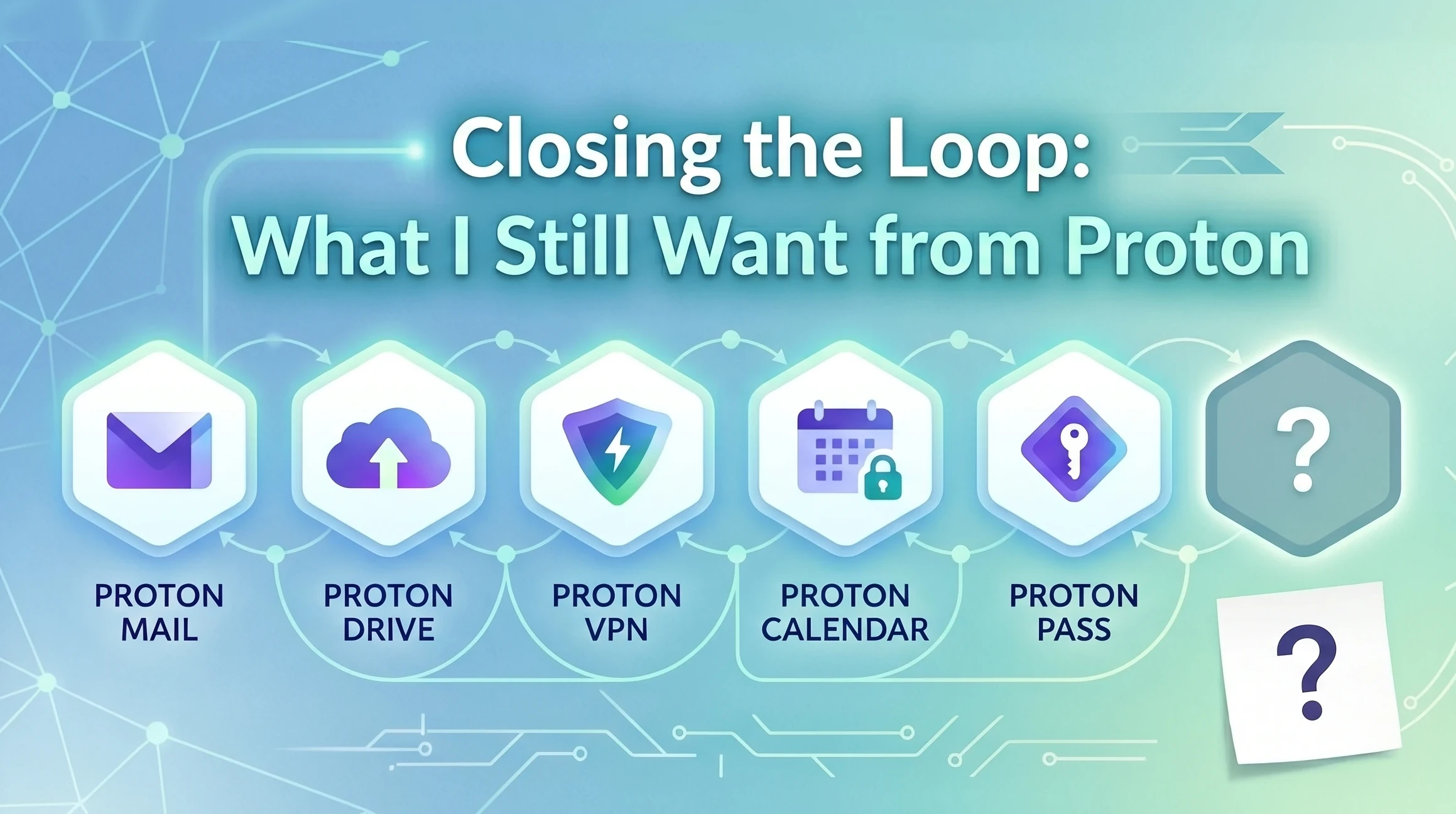
This is the last post in the series. Eleven posts in, with mail, calendar, drive, notes, the office suite, and the password story all settled, the migration is done. My setup is working. So this post is a stocktake of what’s still wrong, what would have to change for the move to be complete in the way I’d want it to be, and a closing word to Proton.
Two things, really. A family plan that actually fits a household like mine, and native Linux apps for the bits that still don’t have them. Then a thank-you, because the rest of this series has been mostly praise and the criticism in this post is a small list against a long ledger of things Proton have got right.
What’s already on the menu
I’ll be honest from the outset: I drafted this post originally as “the one thing Proton is still missing - a family plan.” That was wrong. Proton already has two multi-user non-business plans, but when I was looking at Proton Unlimited, the only visible upgrade path was Duo, so I missed the family piece entirely.
Proton Duo. Two users, 2 TB of storage, full feature set across Mail, Drive, Calendar, Pass, VPN, and Wallet, priced at $14.99 per month, billed annually. Each user gets their own login, their own encryption keys, their own everything. The admin can allocate storage per user via a slider in the dashboard, and reallocate at any time. Each user sees their own quota the way they would on any standalone account.
Proton Family. Up to six users, 3 TB of storage, same feature set, priced at $23.99/month and billed annually. This has the same per-user separation as Duo and the same admin-controlled per-seat quota allocation.
That second plan exists, and I didn’t know it did until I went to write this post and looked properly. However, I still wouldn’t have signed up, and that’s because of the seat count.
The gap between 2 and 6
Our family is four people: two adults and two teenagers. The plans on offer are 2 (Duo) or 6 (Family), with nothing in between, and a family of four sits exactly in the dead zone they leave.
Duo isn’t enough. Family is more than I need and priced accordingly, about 60% more expensive than Duo for capacity I’d be paying for and not using. There’s no in-between rung where I pay for what I actually use.
The simplest fix is variable seat count: pick a number between 2 and 6, pay an incremental monthly amount for each seat (and/or TB storage?), done. Proton already runs the per-user accounting under the hood for both Duo and Family, and the admin already has the quota slider that makes per-seat allocation work cleanly. The architecture for a flexible seat count is sitting right there. What’s missing is the billing surface on top of it. If they can sell Duo for two and Family for six, they can sell three or four or five for proportional money in between, with the same quota-allocation tooling carrying across unchanged.
The other thing I’d ask for, smaller in scope but meaningful in effect, is one custom domain per seat. The Duo and Family plans share three custom domains across the whole account, which is a sensible default for a household using one or two shared identity domains. But if I’m thinking about my children’s lives ten years from now, I want each of them to be able to grow up with their own domain, without having to upgrade or restructure when they leave home. A per-seat domain is a small thing technically, and a meaningful one in terms of how the product respects the long arc of a person’s identity online.
Beyond those two, the shape is fine. The per-user encryption is right, the per-seat quota tooling is right, shared Pass collections are right, the family admin role is right. None of that needs changing. The product just needs to be sold in the sizes households actually come in.
Where I landed in the meantime
In the absence of a plan that fits, I’ve made a compromise that isn’t elegant but works.
I’m on Proton Unlimited, alone. My wife is staying with the email she’s had for years, which she’s perfectly happy with, for now. The household password manager is Bitwarden Family, which the previous post covered, and that covers all four of us. The kids have free Proton accounts reserved at proton.me, which they can activate whenever they want a privacy-respecting email address. If and when Proton ships a plan I can put them on properly, those reservations can fold into it without losing their identity.
It’s a workable holding pattern. The kids have their names locked in, the household’s shared-credential needs are met by Bitwarden, and my own privacy stack is consolidated where it should be. What it isn’t is a household privacy strategy. It’s an individual one with the household held together by a different vendor’s password manager. A properly-sized Proton family plan would let me change that, and I’d buy it the day it shipped.
The Linux gap
The other thing I’d ask for is straightforward: native Linux desktop apps for the parts of the Proton stack that still don’t have them. The most pressing one is Drive. The web client is fine, the mobile clients are fine, but the desktop sync that makes Drive feel like a real cloud-storage product on Windows, Mac, iOS and Android just isn’t there for Linux. The OneNote-to-Joplin post covered this in some detail; the workaround via rclone isn’t viable for the reasons I went into there, and the right answer is the same answer Proton has already publicly committed to: (hopefully) a native Linux Drive client built on the official Drive SDK that’s coming later in 2026.
So this is less of a complaint, and more of a placeholder for a thing that’s already on the roadmap. The point of including it in the closing post is to say: this is the bit where the migration story still has a known incomplete section, and when the Linux client lands, the story is genuinely complete.
A direct word to Proton
Most of what I’m about to say should be self-evident from a series this long, but it’s worth making explicit at the end.
To Proton: thank you. The mail is excellent. The calendar is excellent. Drive is excellent everywhere it has a client. Pass is a real password manager that I’d happily recommend even though I’ve chosen to keep mine elsewhere. The end-to-end encryption story is real, the privacy policy says what I want a privacy policy to say, and the engineering culture on display in places like the rclone forum thread that came up in the OneNote post is something I haven’t seen from any other vendor at this scale. The decision to be transparent about what’s deprecated, what’s being submitted upstream, and what the timeline looks like is a kind of openness that Microsoft is structurally incapable of, and it makes you tolerable to wait on in a way they aren’t.
The two specific asks above, a properly-sized family plan, and the Linux Drive client you’ve already promised, would close the last gaps in what is otherwise a complete privacy-respecting alternative to the Big Tech bundles I’ve spent this series leaving behind.
The bigger thing, which doesn’t take the form of a feature request, is just to say: please keep doing what you’re doing. The discipline of not bolting an LLM into every corner of every product, the commitment to open-sourcing the clients, the willingness to publish privacy policies that mean something and engineer to them rather than around them, all of it is rare, and most of it is getting rarer in the wider industry every quarter. The path you’re on is laudable and, more importantly, sustainable. The whole reason this series exists is that I needed somewhere to go that wasn’t Microsoft and wasn’t Google, and the fact that there was somewhere is not something I take for granted.
Eleven posts, two domains, one license, one Bitwarden vault, and an inbox that finally feels like it belongs to me again. The migration is done. The compromises I’ve documented along the way are real, but they’re small against the thing I was actually trying to escape. If everyone reading this who has the option does the same, the privacy-respecting internet gets a little bit larger and a little more sustainable. That’s worth eleven posts. Thank you for reading.